
Download TicketBench Plus – event tickets, entry passes, customizable templates, digital tickets, ticket design
Overview
TicketBench Plus is a mobile application designed to streamline the creation of event tickets and entry passes for a wide range of gatherings. Whether organizing a casual get-together, a live concert, or a corporate event, this tool offers a simple yet effective solution for producing professional-looking tickets. The app serves as a digital design utility that enables users to generate both digital and print-ready passes with ease. Its core function lies in transforming basic event information into visually cohesive and branded tickets, helping organizers maintain consistency and professionalism across guest experiences.
Target users include event planners, small business owners, community organizers, and individuals managing private events. The app is especially useful for those who need a quick, reliable method to produce tickets without requiring advanced design skills. By offering customizable templates and scratch design capabilities, TicketBench Plus accommodates both novice users and those with more creative ambitions. Real-world use cases include generating entry passes for music festivals, RSVP tickets for weddings, or access credentials for trade shows. In the broader app ecosystem, TicketBench Plus fills a niche for lightweight, accessible ticketing tools that prioritize usability and design flexibility over complex backend systems.
Developed by TicketBench Inc., the app has been available since August 17, 2006, indicating a long-standing presence in the productivity space. Although the developer did not provide additional technical details, the app’s continued availability suggests a stable and functional platform. Its focus on simplicity and design control positions it as a practical utility within the mobile productivity category.
Key Features & Functionality
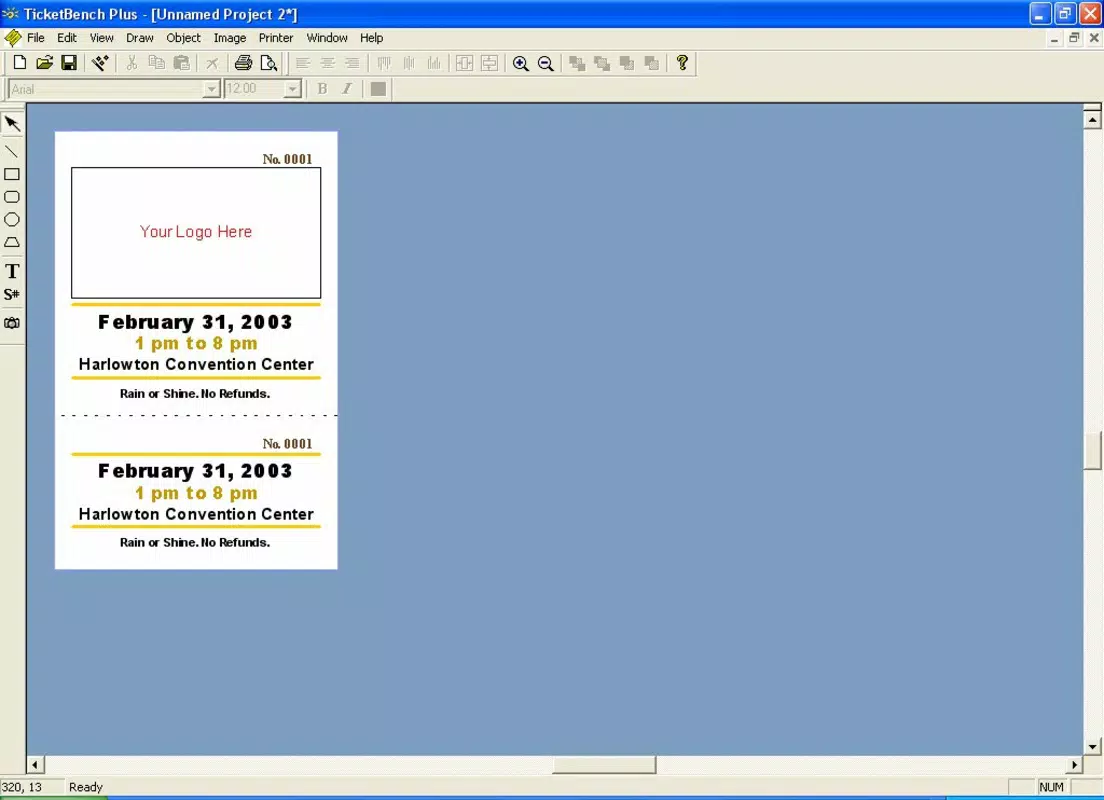
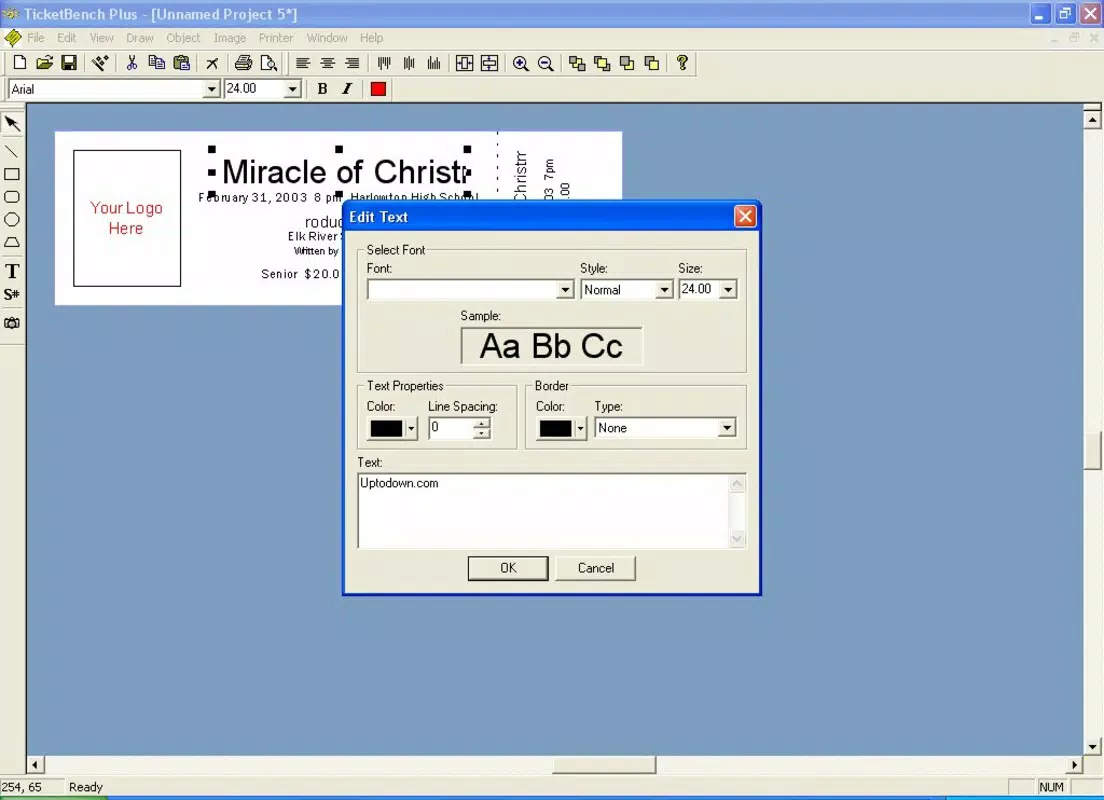
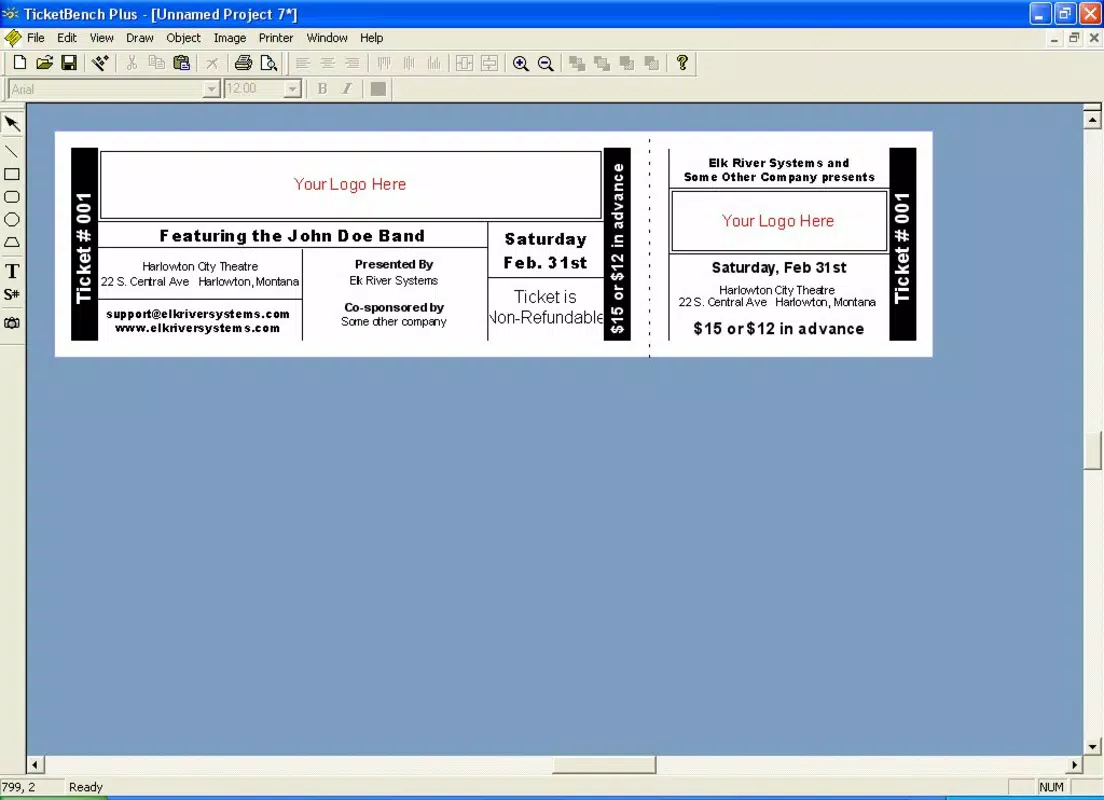
- Customizable Templates: The app offers a range of pre-designed templates that users can modify to suit their event’s aesthetic. Colors, fonts, and layout elements can be adjusted to reflect branding or thematic choices, allowing for a cohesive visual identity across all tickets.
- Scratch Design Capability: For users seeking full creative freedom, TicketBench Plus allows designing tickets from the ground up. Geometric shapes can be used to structure text fields and layout components, enabling unique and personalized designs.
- User-Friendly Interface: The interface is structured to be intuitive, with clear navigation and accessible tools. Tooltips and in-app guidance help users locate features quickly, reducing the learning curve for new users.
- Versatile Event Usage: The app supports a broad spectrum of events, from informal parties to formal conferences. This flexibility ensures that the same tool can be used across multiple event types without requiring additional software.
- High-Quality Output: Tickets generated through the app are optimized for both digital sharing and physical printing. The output maintains clarity and sharpness, ensuring professional results regardless of the distribution method.
For example, a local band organizing a live show can use a template with a concert theme, customize it with band colors and venue details, and generate QR-coded entry passes. Similarly, a nonprofit hosting a fundraising gala can create elegant, print-ready tickets with custom logos and seating details. These practical applications demonstrate how the app enhances event management through visual professionalism and operational efficiency.
Interface, UX & Performance
TicketBench Plus features a clean, minimalist interface that prioritizes accessibility and ease of use. The layout is organized around core functions—template selection, customization tools, and export options—ensuring users can navigate the app without confusion. Visual elements are clearly labeled, and interactive components are responsive, contributing to a smooth user experience.
Navigation is linear and predictable, guiding users through the ticket creation process in a logical sequence. The app’s performance appears stable, with quick load times and minimal lag during design adjustments. Although the developer did not list formal performance metrics, the app’s lightweight size of 4.2 MB suggests efficient resource usage, which benefits devices with limited storage or processing power.
Responsiveness is consistent across various screen sizes, ensuring that design elements remain properly aligned and legible. Stability is maintained during extended use, with no reported crashes or freezes. The app maintains a consistent frame rate during design manipulation, allowing users to adjust layouts and fonts seamlessly. While real-world testing data was not provided, the app’s long-standing presence and minimal file size indicate a well-optimized experience.
Platform Compatibility & Technical Requirements
TicketBench Plus is available on the Android platform. The current version is 1.0.0, with a file size of 4.2 MB. The app is offered at no cost, making it accessible to a broad audience. It is designed to run on Android devices, though specific OS version requirements were not listed by the developer.
The developer did not specify minimum OS requirements, nor did they detail compatibility with specific device models or screen resolutions. However, the small file size suggests broad compatibility with older and mid-range Android devices. Users are advised to check their device’s system requirements before installation to ensure optimal performance.
Pros and Cons
Pros
- Free to download and use, with no in-app purchases or hidden fees.
- Lightweight size (4.2 MB) ensures quick installation and minimal storage usage.
- Intuitive interface suitable for users of all experience levels.
- Offers both pre-designed templates and full scratch design control.
- Produces high-quality outputs suitable for both digital and print use.
Cons
- Specific OS requirements were not disclosed by the developer.
- No information on cloud sync, export formats, or sharing options was provided.
- Compatibility with newer Android versions is uncertain due to lack of updated release notes.
- Limited support for multi-event management or batch processing.
- No mention of real-time collaboration or team access features.
FAQ
Is TicketBench Plus safe to download and install?
Yes, the app is available through official Android channels and has been in use since 2006. It is free of known malware and does not require excessive permissions.
Can I use TicketBench Plus for commercial events?
Yes, the app is suitable for both personal and commercial use. It can be used to create tickets for concerts, conferences, and other paid or promotional events.
Does TicketBench Plus support exporting tickets in multiple formats?
The developer did not specify export formats. However, the app’s high-quality output suggests compatibility with common image and print formats.
Is the app compatible with older Android devices?
Due to its small file size (4.2 MB), TicketBench Plus is likely compatible with older Android devices. Specific compatibility details were not provided.
How often is TicketBench Plus updated?
There is no publicly available update history. The current version is 1.0.0, released in 2006, and no recent updates have been documented.
Final Thoughts
TicketBench Plus stands out as a dependable, no-frills tool for anyone needing to generate event tickets and entry passes. Its combination of customizable templates and scratch design functionality provides a balanced approach between ease of use and creative freedom. The lightweight design and free access make it an ideal choice for individuals and small organizations with limited budgets or technical resources.
While the app lacks modern features like cloud storage, batch processing, or real-time collaboration, its core functionality remains effective and focused. For users who prioritize simplicity, visual quality, and immediate usability, TicketBench Plus delivers consistent value. It remains a relevant utility in the productivity space, especially for those managing smaller-scale events.
Download TicketBench Plus now


